 Discord: ROYAL-EXODUS.COM
 Facebook: ROYAL-EXODUS.COM





ARM64 (64-bit)
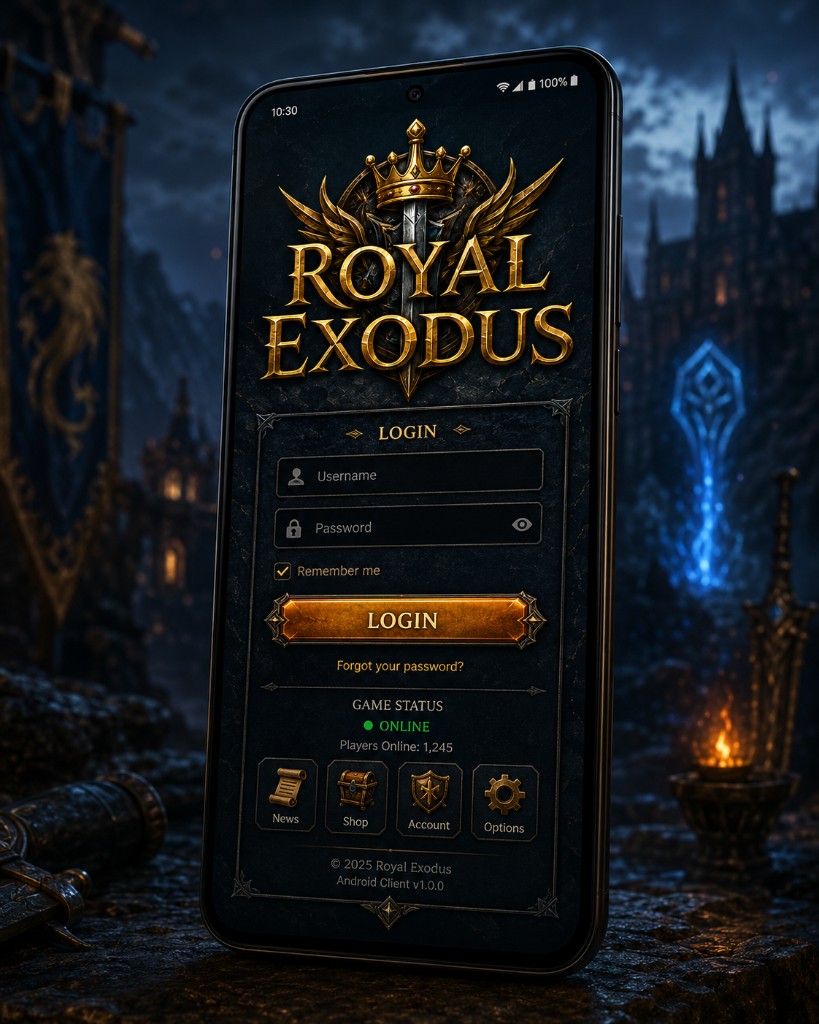
MediaFire: Royal-exodus-1.0-andorid64.apk
Download ARM64 APK



To play on ROYAL-EXODUS.COM you need the Tibia client:
Play Royal Exodus on your phone or tablet. Pick the APK for your device architecture:
Enable install from unknown sources if prompted. Use ARM64 on modern phones; ARM 32-bit on older devices.
Install Microsoft’s Visual C++ Redistributable for Visual Studio 2015-2022 if you get a missing-DLL error (e.g. MSVCP140.dll or VCRUNTIME140.dll) or the client won’t launch. On 64-bit Windows install the x64 package first; if it still fails, also install x86.
Official Microsoft links (aka.ms). Restart your PC after installing if the client still won’t open.